
Connected stack
Northwind
01
Snap apps, mirror screens, and save layouts that fit your desk.
02
Northwind
03
Vertex Labs
04
Orion Desk
DUAL DISPLAY MAC
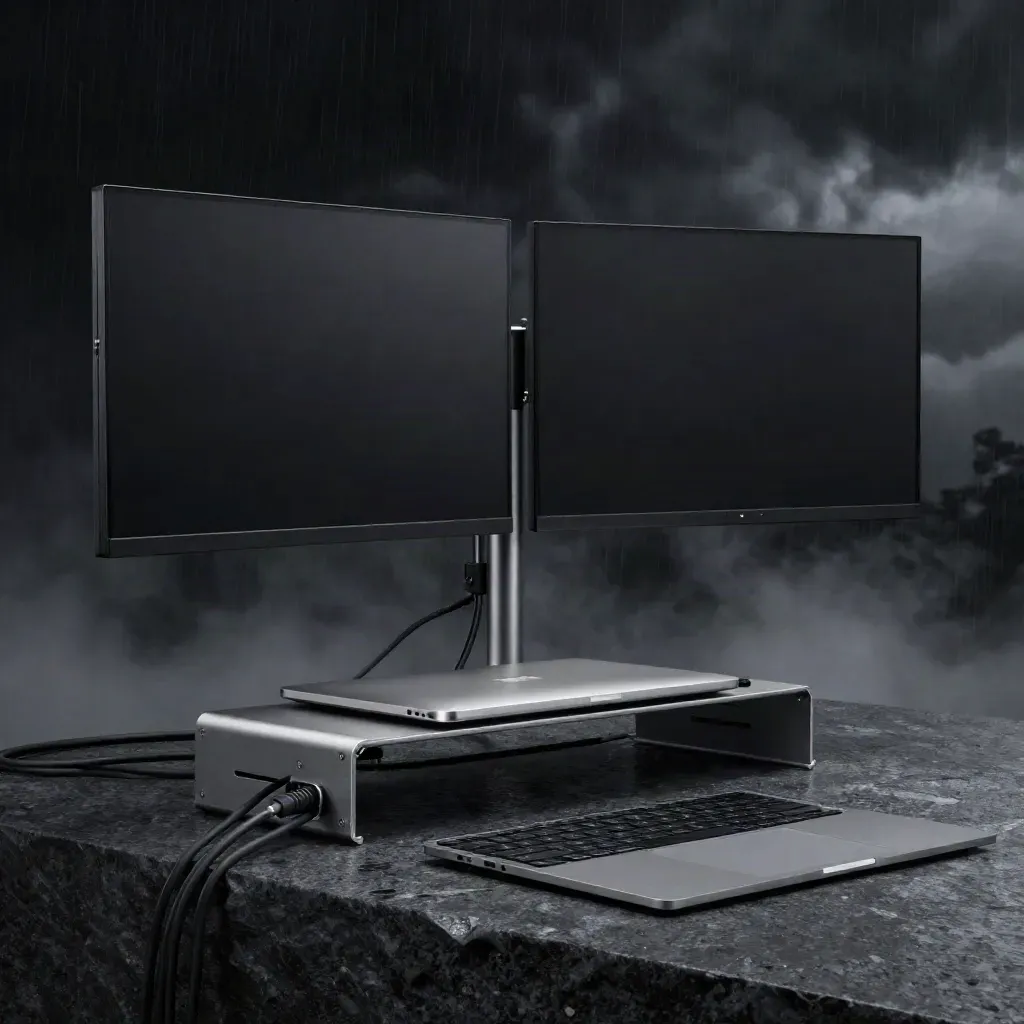
Snap windows, save display presets, and mirror screens on MacBook or iMac. Mac Dual helps you switch tasks fast and keep every app in reach.
Connected stack
Snap apps, mirror screens, and save layouts that fit your desk.
Northwind
Vertex Labs
Orion Desk



PRODUCT TOOLS
Place apps left, right, top, or full screen with a click.
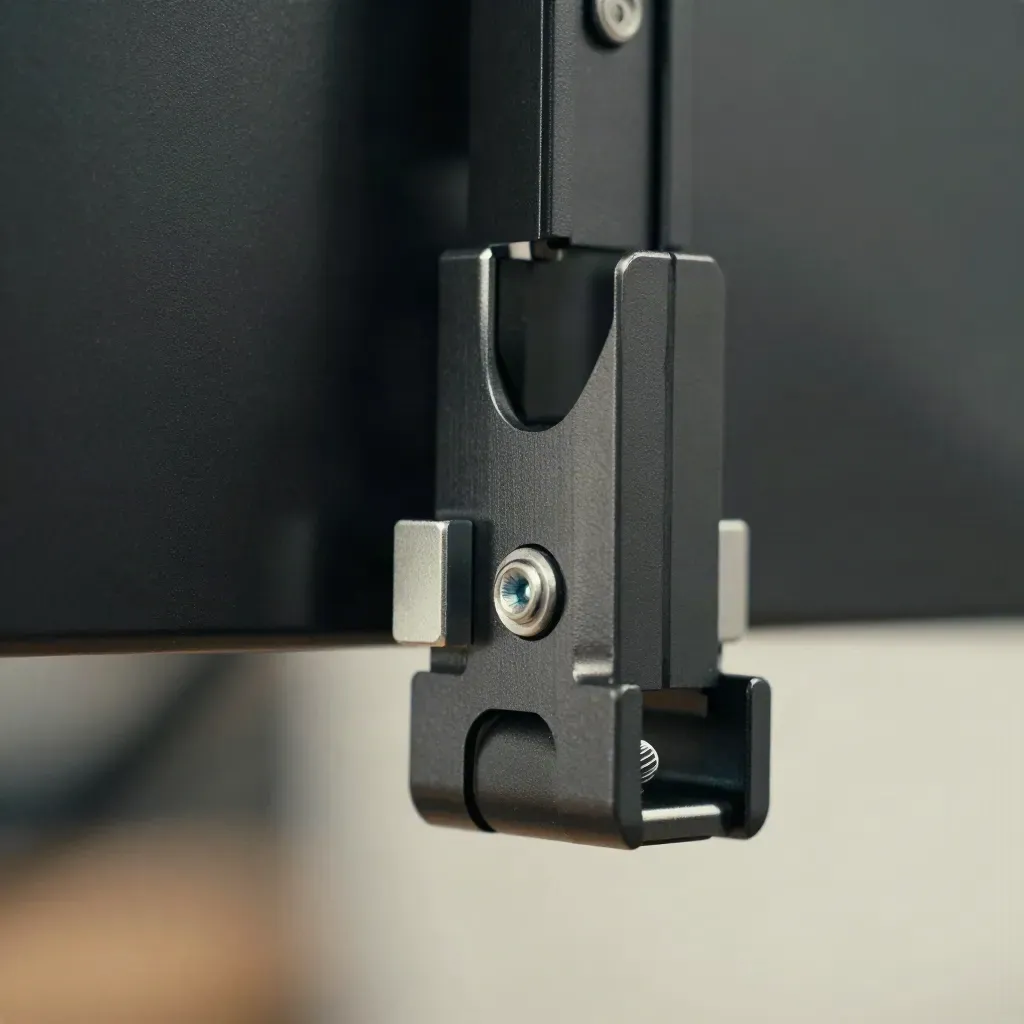
Place apps left, right, top, or full screen with a click.
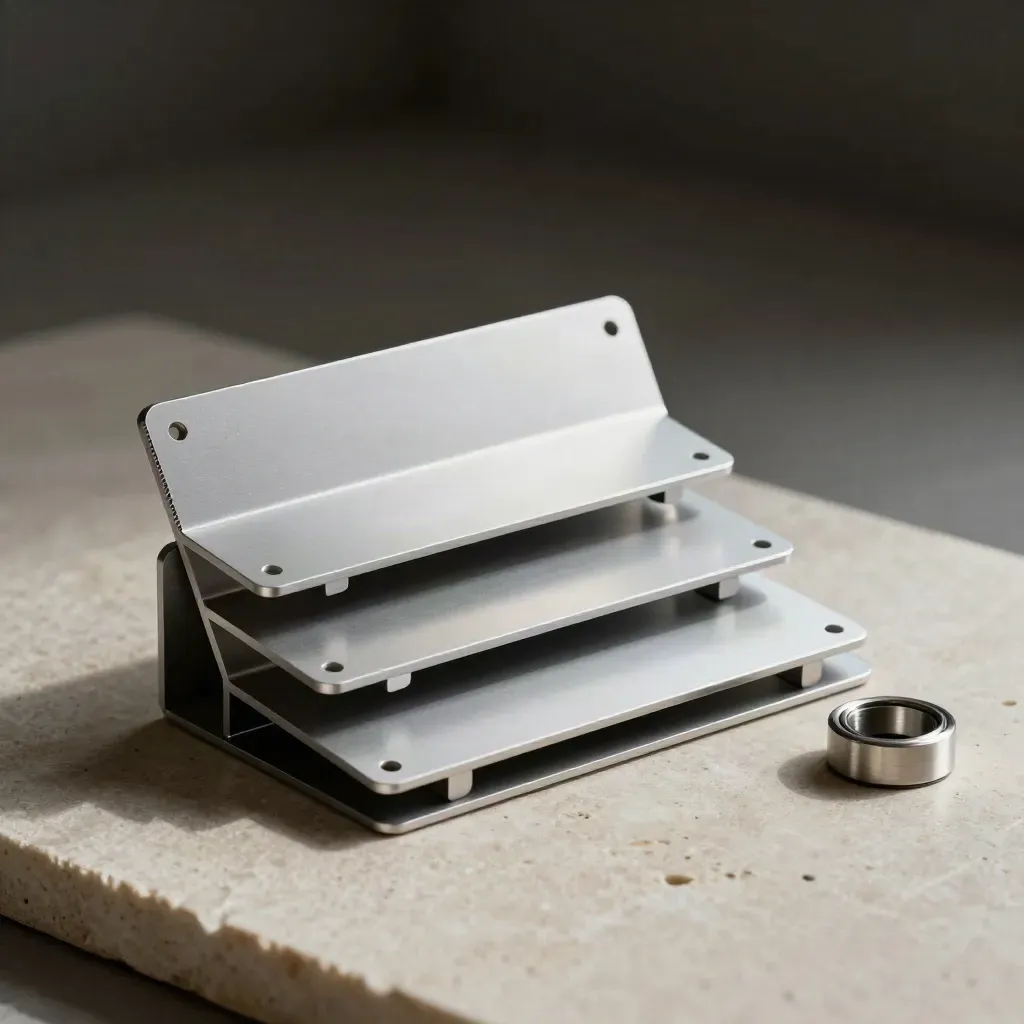
Save work, call, and focus layouts for your Mac desk.
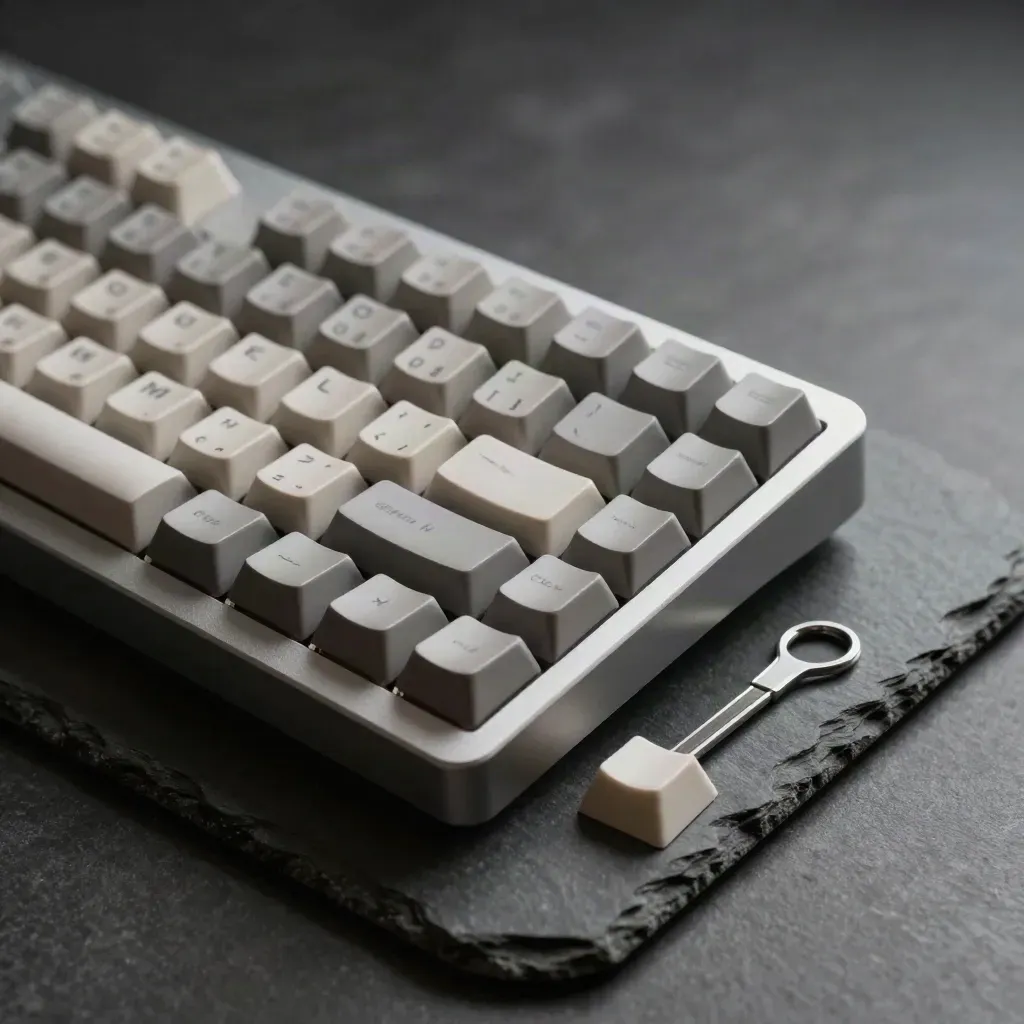
Move windows and switch screens without touching the mouse.
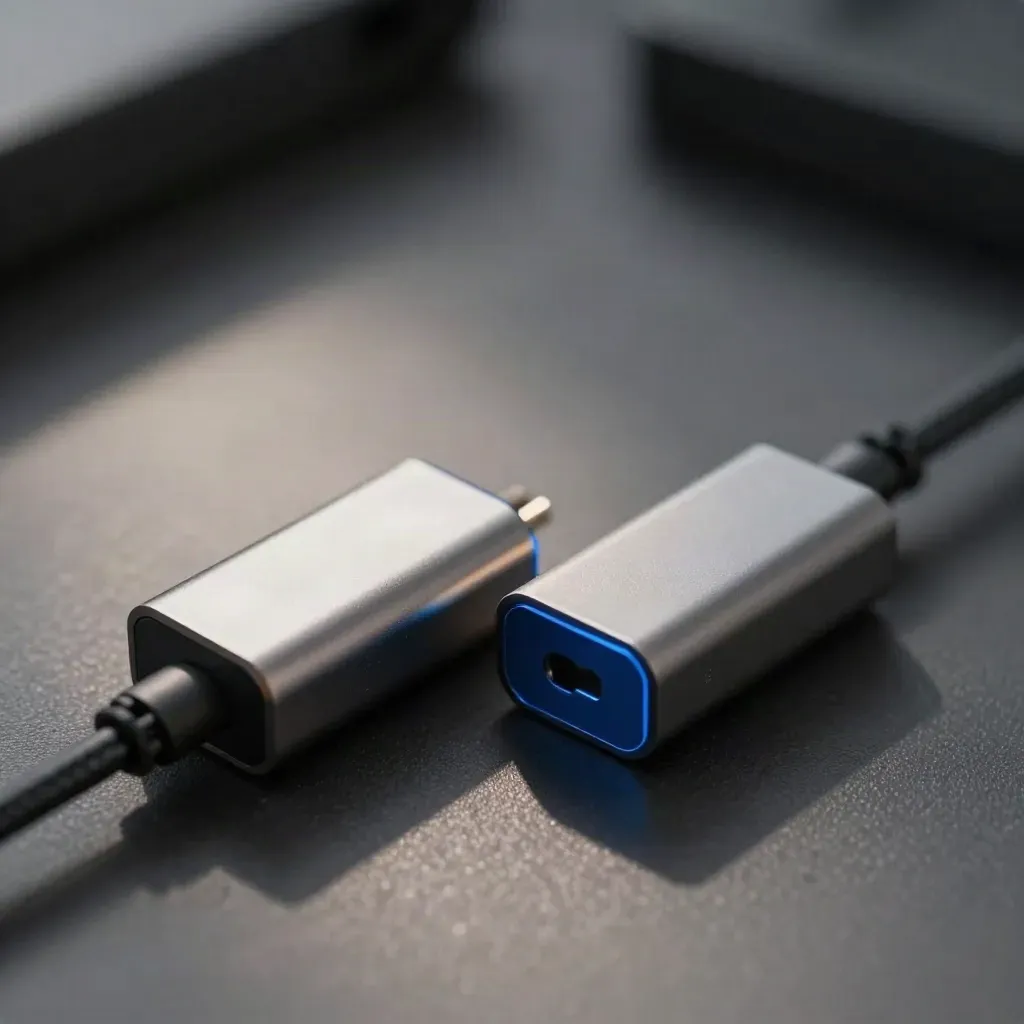
Copy one display to another for demos, notes, and support.
Follow short steps to wire up a clean MacBook or iMac desk.
Read plain tips for faster file work, calls, and app switching.
WHO IT HELPS
Turn a small laptop screen into a neat two-display workspace.
Place apps left, right, top, or full screen with a click.
Save work, call, and focus layouts for your Mac desk.
Move windows and switch screens without touching the mouse.
Copy one display to another for demos, notes, and support.
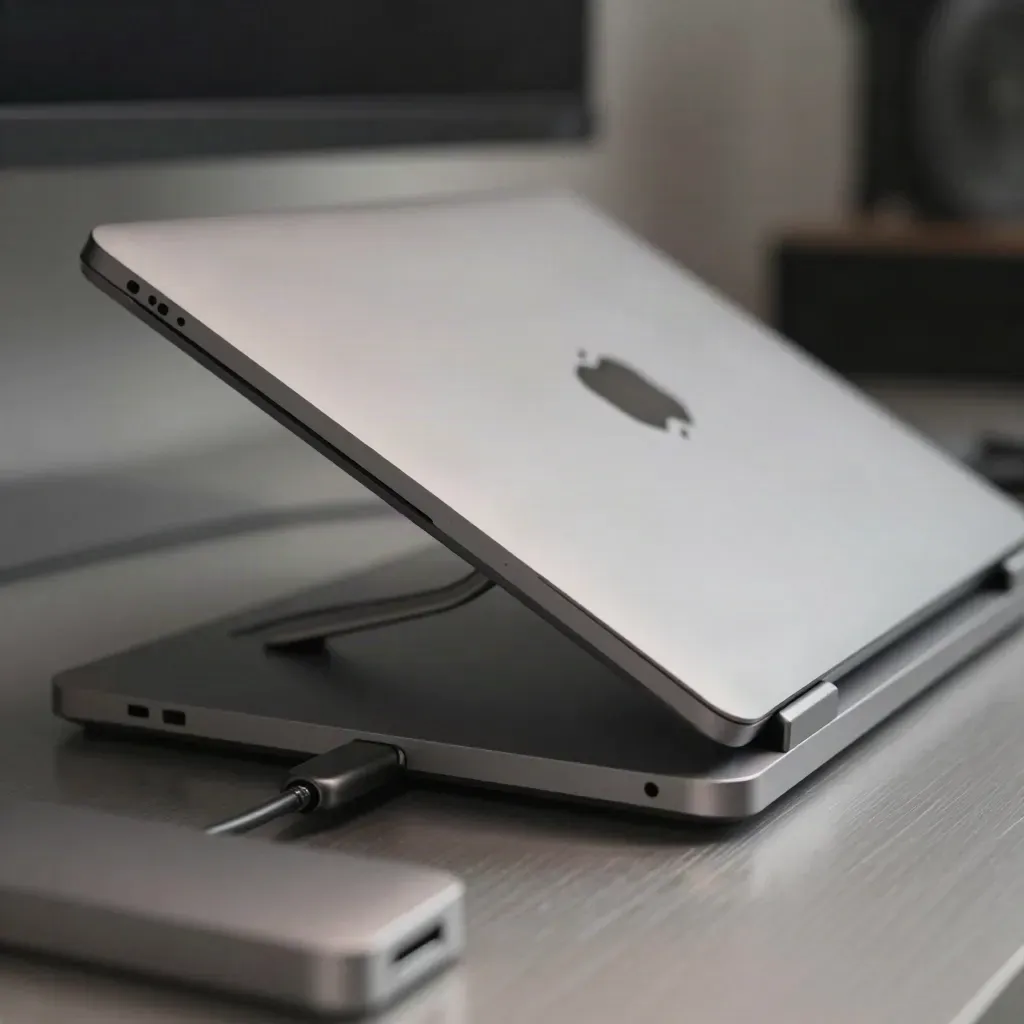
Use case 01
Turn a small laptop screen into a neat two-display workspace.
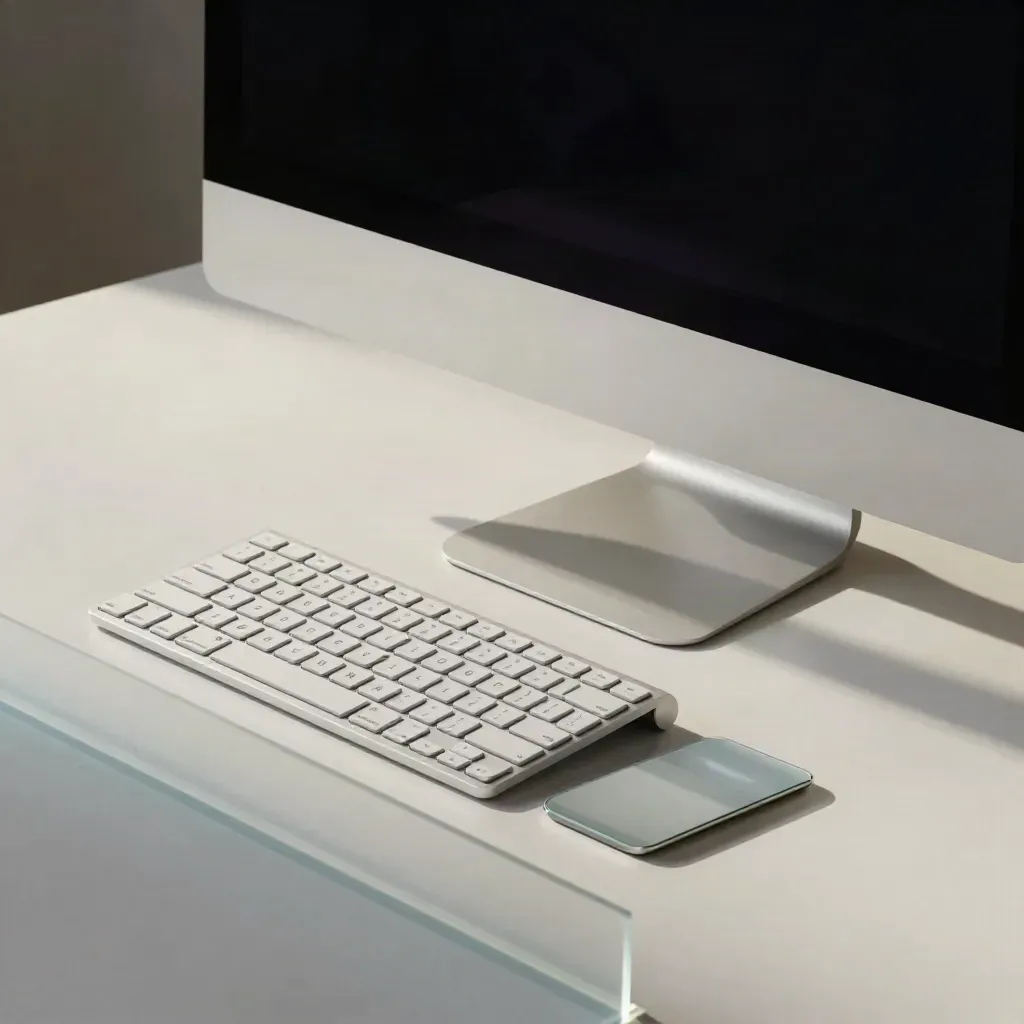
Use case 02
Keep one screen for work and the other for chat, docs, or calls.
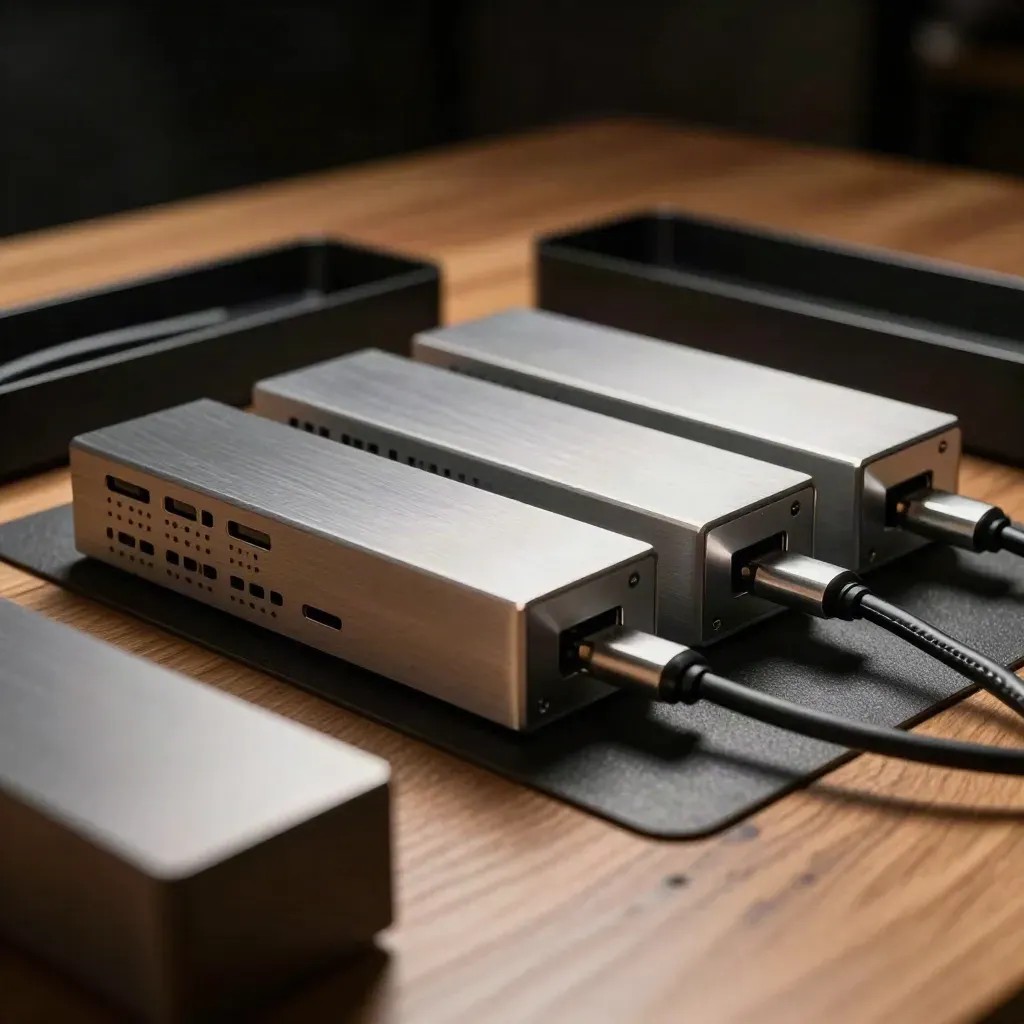
Use case 03
Use the same layouts across shared Macs and cut setup time.
user rating

user rating
first setup
keyboard shortcuts
screens managed
PRICING
Control 2 screens Basic window snapping 1 display preset Starter shortcut set Setup guide access
$0
Control 2 screens
Basic window snapping
1 display preset
Starter shortcut set
$12
Unlimited screen control
Snap apps to grid spots
10 saved display presets
Mirror one screen fast
Custom
Org-wide preset library
Team setup onboarding call
Multi-seat license control
Mac rollout checklist
Proof
“Two screens now feel like one Mac. I move windows faster and stay in the flow.”
Maya Chen
Design Lead @ Northwind
“The presets saved our team time on every desk reset and client call.”
Jordan Ellis
Ops Manager @ Vertex Labs
“Setup took minutes. I use shortcuts all day and the mouse stays parked.”
Priya Nair
IT Manager @ Orion Works
Integrations
Snap apps, mirror screens, and save layouts that fit your desk.

Snap apps, mirror screens, and save layouts that fit your desk.

Snap apps, mirror screens, and save layouts that fit your desk.
Snap apps, mirror screens, and save layouts that fit your desk.
Snap apps, mirror screens, and save layouts that fit your desk.
The Map
Questions
Quick answers before visitors choose a product, service, or next step.
Yes. It works on MacBook and iMac setups with one screen or two, so you can keep apps split and easy to reach.
Yes. Save display presets for work, calls, and focus time, then switch with one click or a hotkey.
Yes. Mirror one display when you need the same view on both screens for demos, notes, or training.
Yes. Use shortcuts to move windows, snap apps, and switch layouts without reaching for the mouse.
Yes. The free plan covers the basics, so you can test dual-screen control before you pay.
Yes. Pro and Enterprise include setup help, team rollout notes, and advice for shared Mac desks.
Get short tips for window snapping, display presets, and faster Mac multitasking. One email now and then, no spam.


